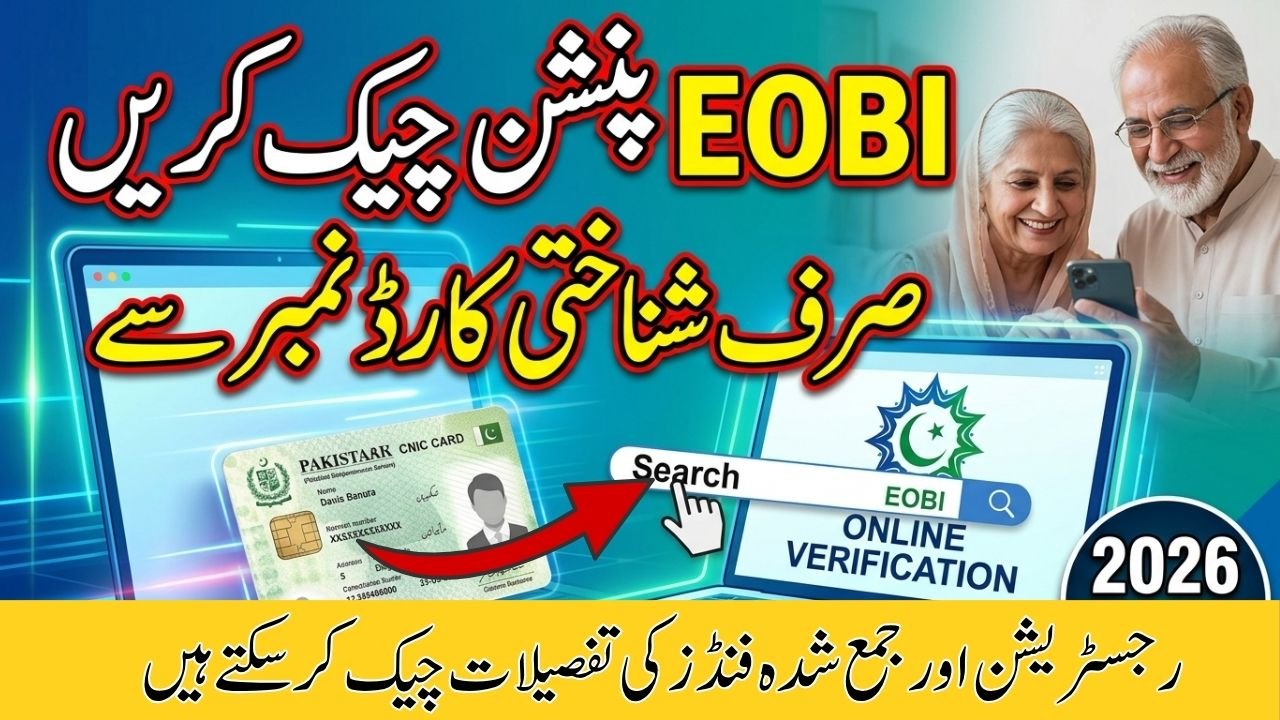
How To Check EOBI Pension
The Employees Old-Age Benefits Institution (EOBI) continues to serve as a vital pillar of social security for private-sector workers in Pakistan. In 2026, the government has further improved digital services, allowing employees and retirees to easily check their pension status and contributions online using their CNIC.
With integration support from National Database and Registration Authority (NADRA), individuals no longer need to visit crowded offices. Your CNIC now acts as the key to accessing your employment and pension records from home.
Why You Should Regularly Check Your EOBI Status
Regularly checking your EOBI record is essential to ensure your employer is properly contributing to your pension.
Key Benefits of Monitoring Your Record
- Verify total years of inured service
- Check monthly contributions submitted by your employer
- Ensure personal details match your CNIC
- Avoid delays or issues during retirement
In 2026, the minimum monthly pension is Rs. 11,500, but this is only guaranteed if your records are accurate and complete.
How to Check EOBI Status Online by CNIC (Step-by-Step Guide 2026)
Follow these simple steps to verify your EOBI pension status online:
Step 1: Visit the Official Portal
Go to the official EOBI website:www.eobi.gov.pk
Step 2: Open Individual Information Section
On the homepage, click on “Individual Information” or “Insured Person”
Step 3: Enter Your CNIC
Input your 13-digit CNIC number (without dashes)
Step 4: View Your Details
The system will display:
- Registration number
- Employer’s name
- Contribution history
- Insured service duration
EOBI Quick Verification Guide 2026
Important Information at a Glance
Verification Tool: Online CNIC Check
Navigation Path: Home > Individual Information > Insured Person
Minimum Pension (2026): Rs. 11,500
Official Portal:www.eobi.gov.pk
Eligibility Criteria for EOBI Pension in 2026
To qualify for a monthly pension under EOBI:
Age Requirement
- Men: 60 years
- Women: 55 years
Service Requirement
- Minimum 15 years of insured service
Meeting both conditions ensures eligibility for a lifelong pension.
Common Issues & Solutions
CNIC Shows “No Record Found”
If your CNIC is not recognized:
- Your employer may not have registered you
- There could be a data entry error
Solution:
Contact your HR department or visit the nearest EOBI office with:
- Original CNIC
- Appointment letter
EOBI Sahulat App (2026 Update)
EOBI has introduced the Sahulat App in 2026 for added convenience.
Features of the App
- Check pension status
- View contribution history
- Download Proof of Life certificate
- Track payments digitally
This makes it easier for pensioners to manage their records without visiting office
Frequently Asked Questions (FAQs)
Q1: What if my CNIC is not found in the system?
It usually means your employer hasn’t registered you or there’s a mistake in your data. Contact your employer or visit EOBI.
Q2: When can I start receiving my pension?
At age 60 (men) or 55 (women), with at least 15 years of contributions.
Q3: Is there a mobile app for EOBI services?
Yes, the EOBI Sahulat App allows you to check and manage your pension details online.
Final Thoughts
The digitization of EOBI services in 2026 has made pension tracking simple, fast, and accessible. By regularly checking your CNIC record, you can ensure transparency in employer contributions and secure your financial future after retirement.